What clients see
It's worth knowing exactly what your clients go through. Open your own link in a private browser window to try it.
#First visit
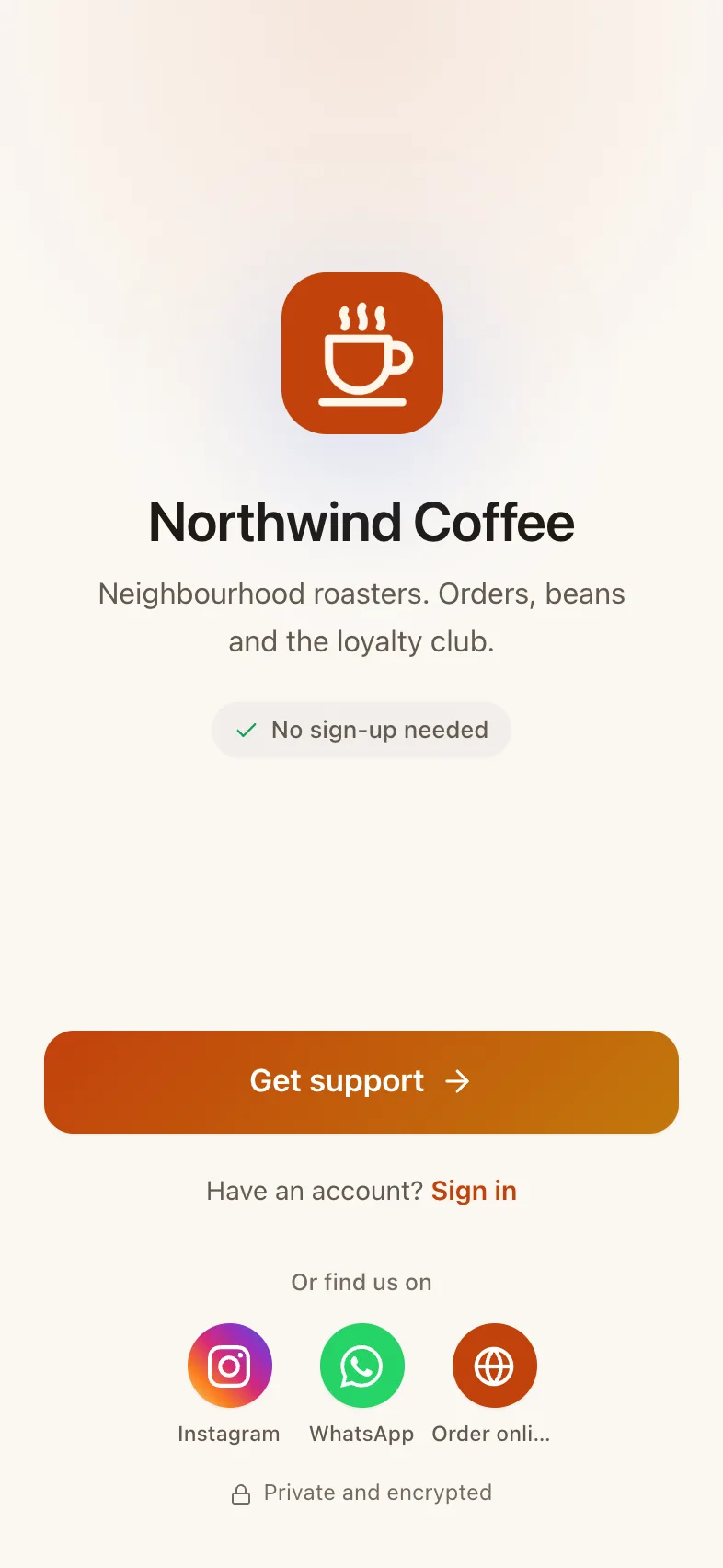
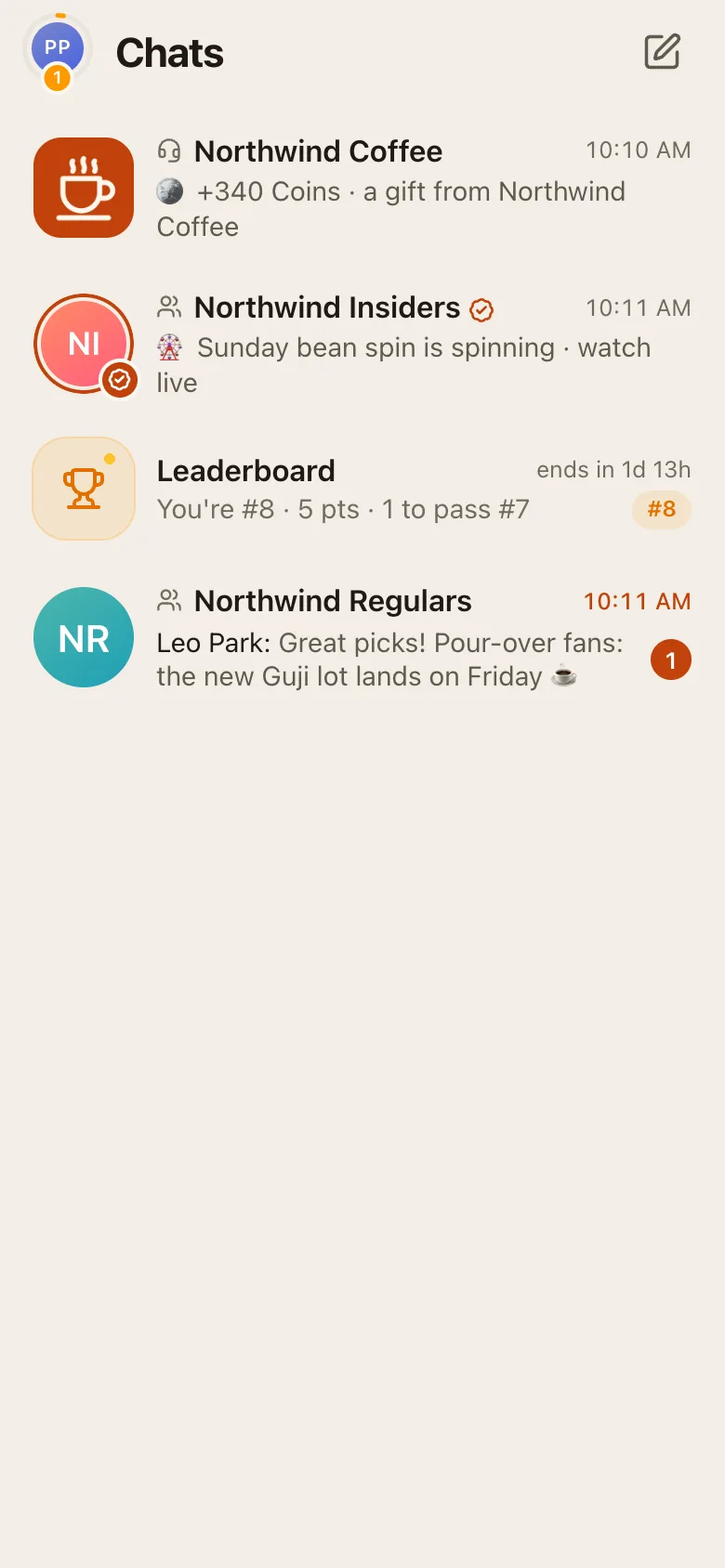
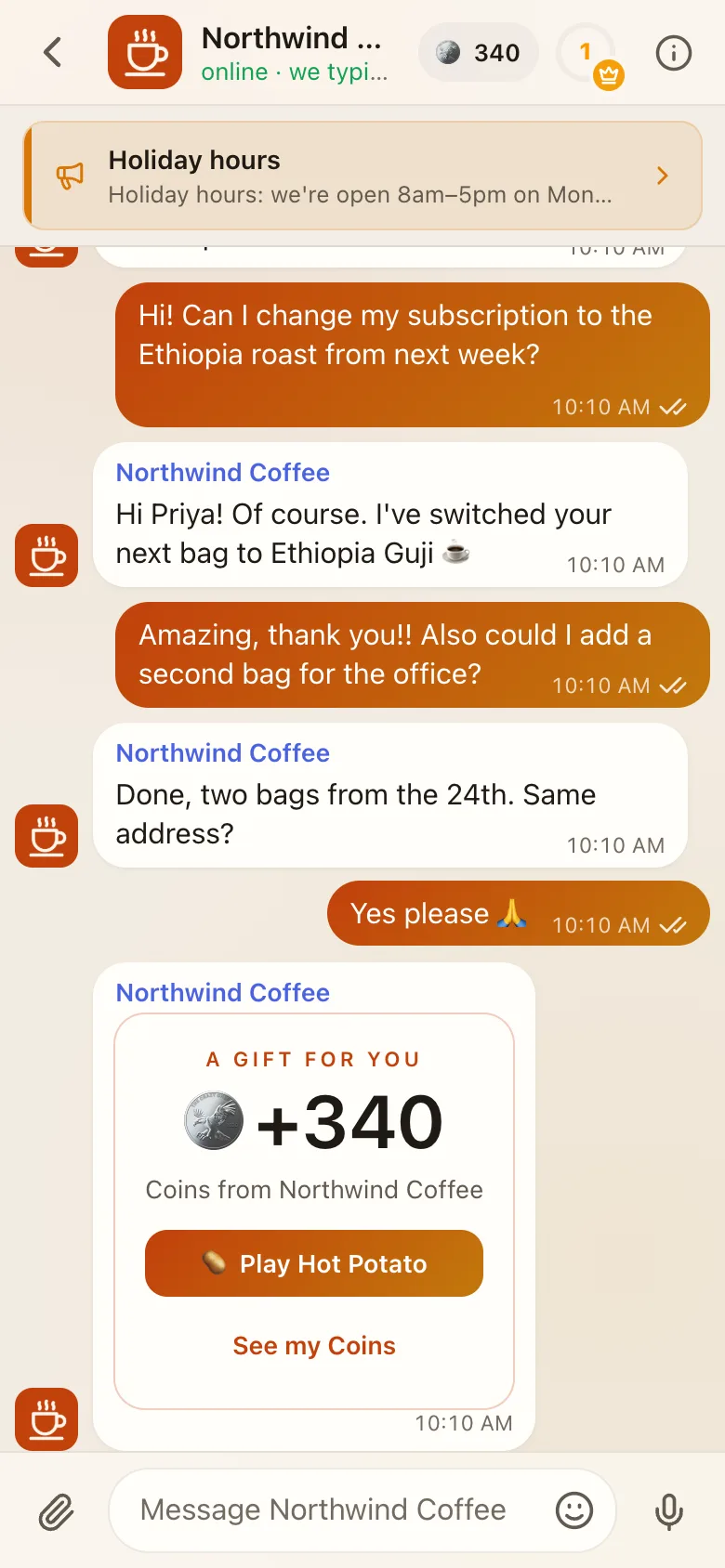
- They open your link: your domain,
yourhandle.facia.chat,facia.chat/@yourhandle, a group invite, or your website's chat button. - They see your logo, name, description and support links.
- They press Get support and write. No sign-up is needed: they start as a guest.
- Your welcome message arrives. After their first message, Facia offers to turn on notifications.
#Guests and saved accounts
A guest's chat is tied to their browser. To keep it on another device, or after clearing their browser, they save their account in Settings → Keep your chat, by adding a username and password or by getting verified. Guest chats are kept for 90 days after the last visit.
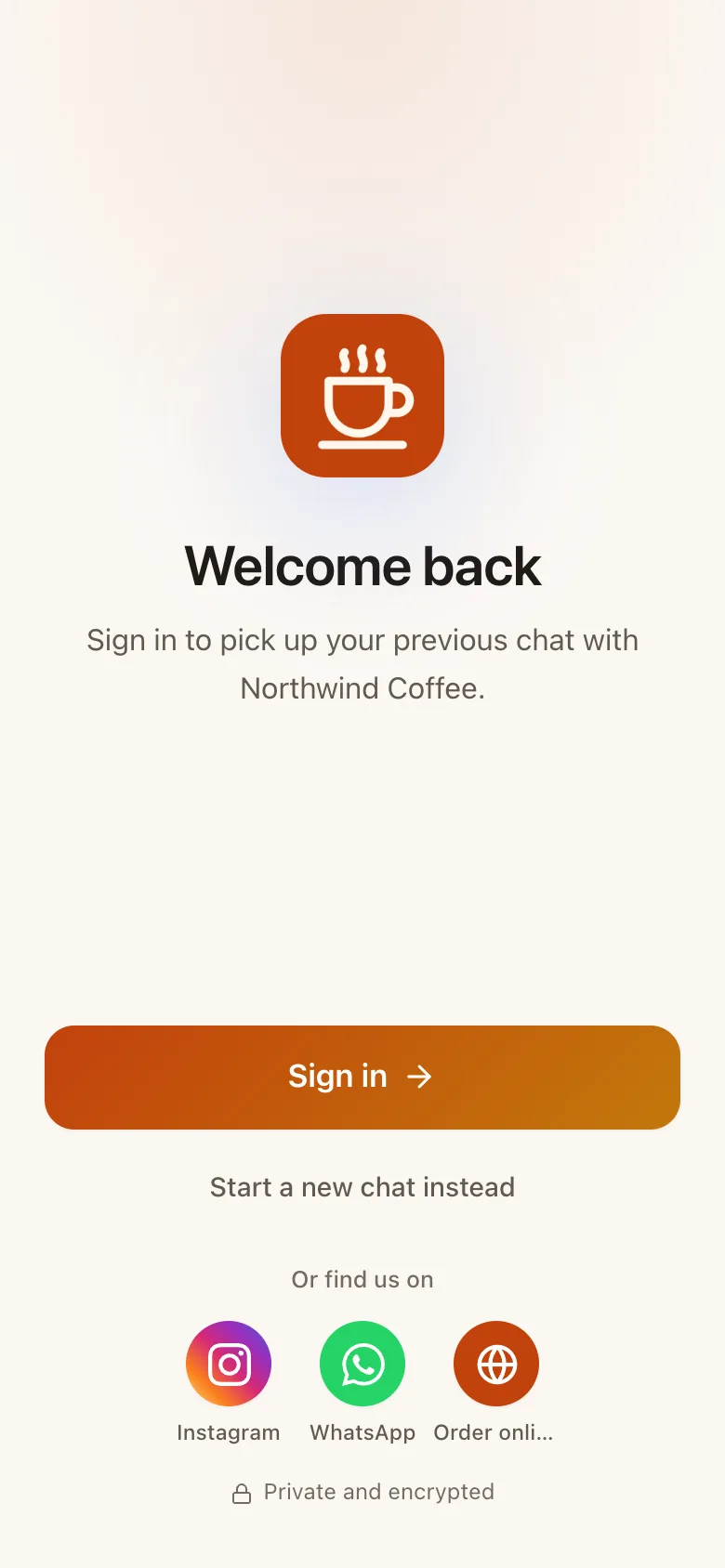
Your team can also create a login for a guest from their chat, with the Create client logins permission.
#Getting verified
Clients press Get verified in the chat header, in Membership, or on an invite card your team sent. They pick a photo and a public @username, add their email, and enter a 6-digit code. See Membership and tiers.
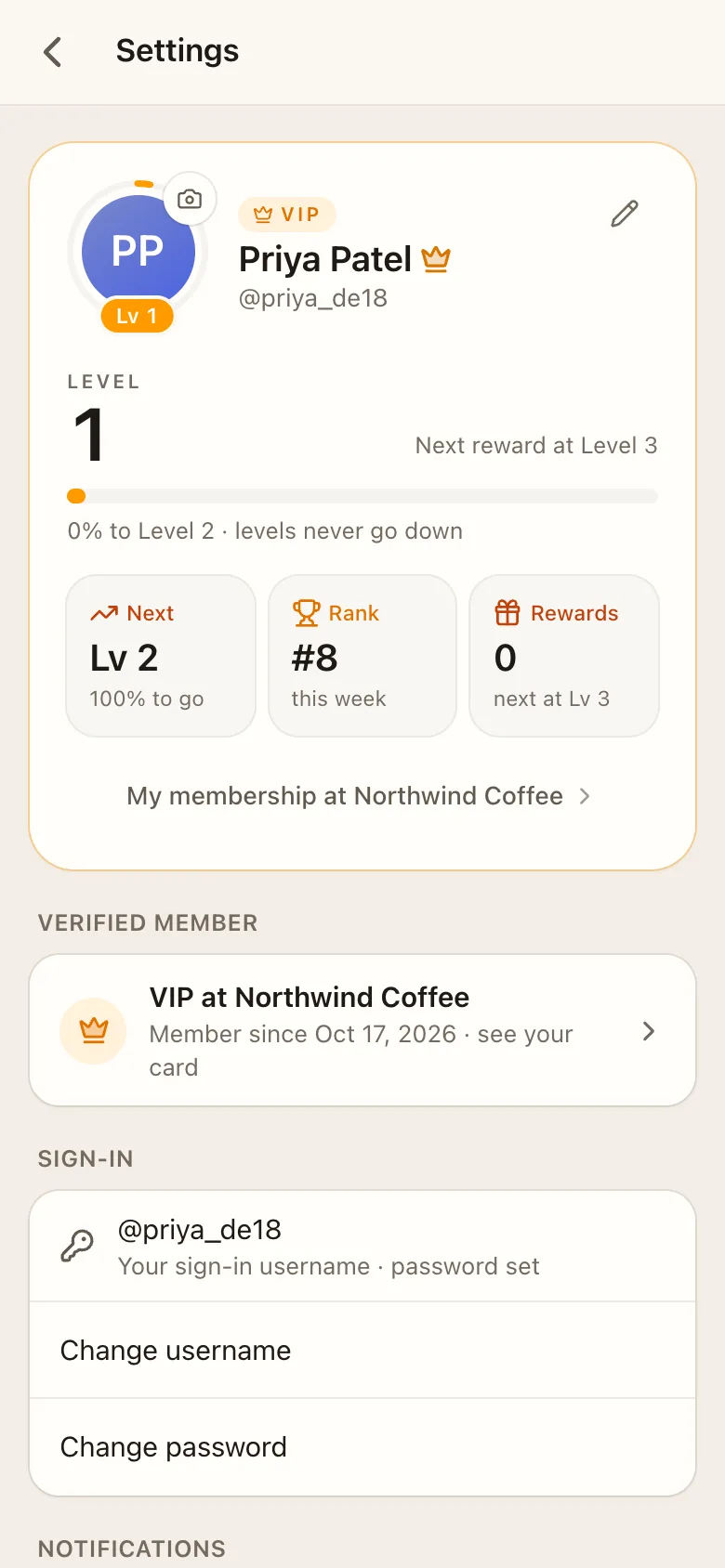
#Settings
Under Settings, clients have:
- their profile: photo, name, username and bio,
- Verified member status for each business,
- Sign-in: change username or password,
- Get the app: install it on the home screen,
- Notifications: on or off, show message text, send a test,
- Appearance: light, dark or auto,
- Sign out, or Leave and forget this chat for guests.
#Inside your app
Depending on your features, clients also see:
- the membership button in the chat header (a level ring, check mark or crown),
- groups and channels in their chat list, locked ones included,
- blocks under the header, in Membership or in the Verified group,
- app tabs your developers registered,
- games, the leaderboard and their coins.
#Privacy, from the client's side
- Other clients only ever see their alias in groups, games and leaderboards.
- They always see their own real name.
- Your team sees their real name, username and history in your business only.
- Message text is encrypted at rest.
- If they also use another business on Facia, neither business can tell.
#On facia.chat
A client of several businesses who opens facia.chat gets one sign-in and a switcher (top-left) listing each business with unread counts. Each business keeps its own alias, tier, coins and level for them.