Look and style
Facia uses your colours everywhere: chats, HQ, blocks, games, cards, the loading screen and the phone's status bar, in light and dark.
#Business look
HQ → Settings → Business look (/hq?tab=settings&page=appearance). Owners and admins.
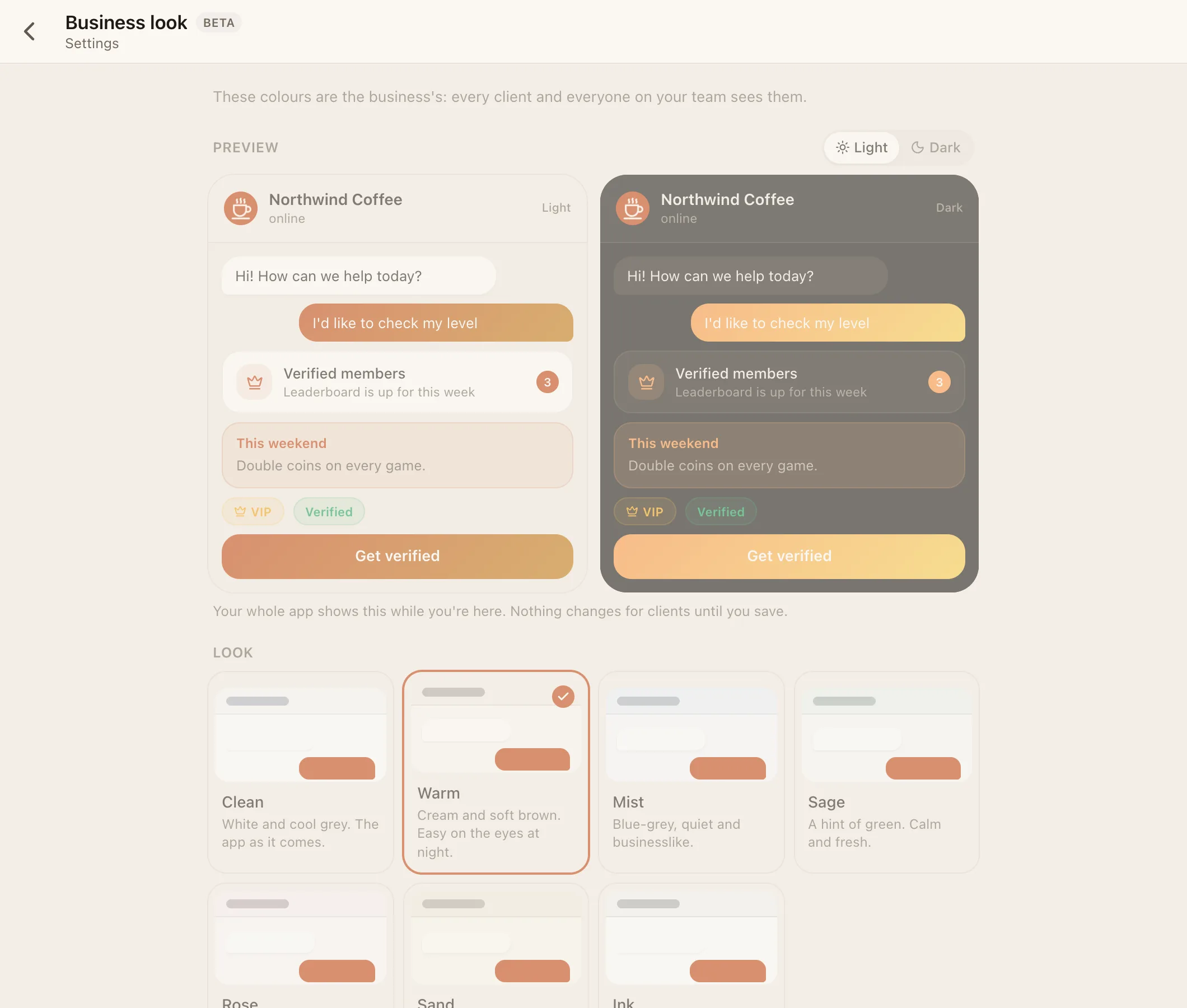
| Setting | Choices |
|---|---|
| Preset | Clean (default), Warm, Mist, Sage, Rose, Sand, Ink |
| Accent | Blue, Violet, Ocean, Teal, Green, Coral, Copper, Graphite, or any colour as #rrggbb |
| Corners | Soft (default) or Sharp |
| Style | Classic, Futuristic, one of your own, or one Facia approved for everyone. Applies to everyone at the business |
The page previews changes live, and Save applies them. Clients see the new look the next time a screen loads.
#Styles
A style decides the overall treatment, while your preset and accent decide the colours.
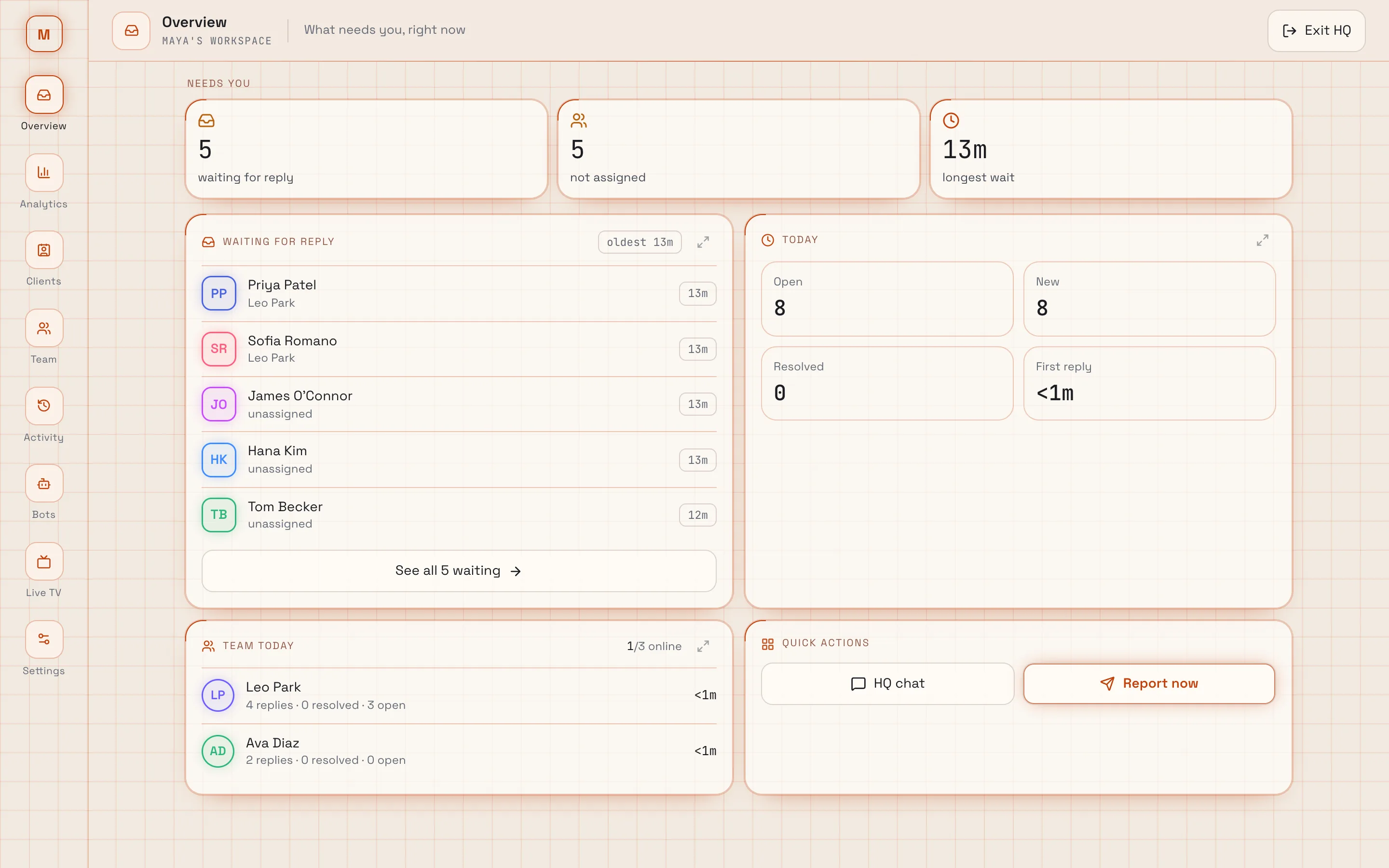
- Classic: calm, filled surfaces and soft shadows. The default.
- Futuristic Beta: outlined surfaces, corner marks, a subtle grid, display fonts and a widget-style HQ with a side rail. Live TV is only in Futuristic.
Futuristic covers everything: chats (photo viewer, voice notes, reactions), HQ, the sign-in and welcome pages, the loading screen, blocks, the leaderboard, membership, and every game (Hot Potato, Spin, High Card and any game added later). Apps are told the style so they can match it.
Everyone who comes to your business (your address, subdomain or embed) gets the style you pick, unless they choose their own in Settings → Look. It switches when you Save, not while you're choosing.
#Make your own style
Beta HQ → Settings → Business look → Your styles → New style.
| Setting | What it is |
|---|---|
| Name | What it's called in the Style list |
| Base | Classic or Futuristic: the shapes, outlines and glow your style starts from |
| Colours | Six colours, each for light and dark: background, cards, text, lines, gold and win. Anything left on auto keeps the base's colour |
| Background grid | On or off |
The whole app shows your colours while you edit.
- Use for my business saves the style and picks it in the Style list. Press Save on the look to apply it for everyone.
- Offer to everyone sends it to Facia for review. Once approved, every business and every person can pick it (your name isn't shown). If it's turned down, you'll see the reason. Changing a listed style sends it back for review.
#Personal look
Everyone can change how Facia looks on their own device, without changing it for anyone else.
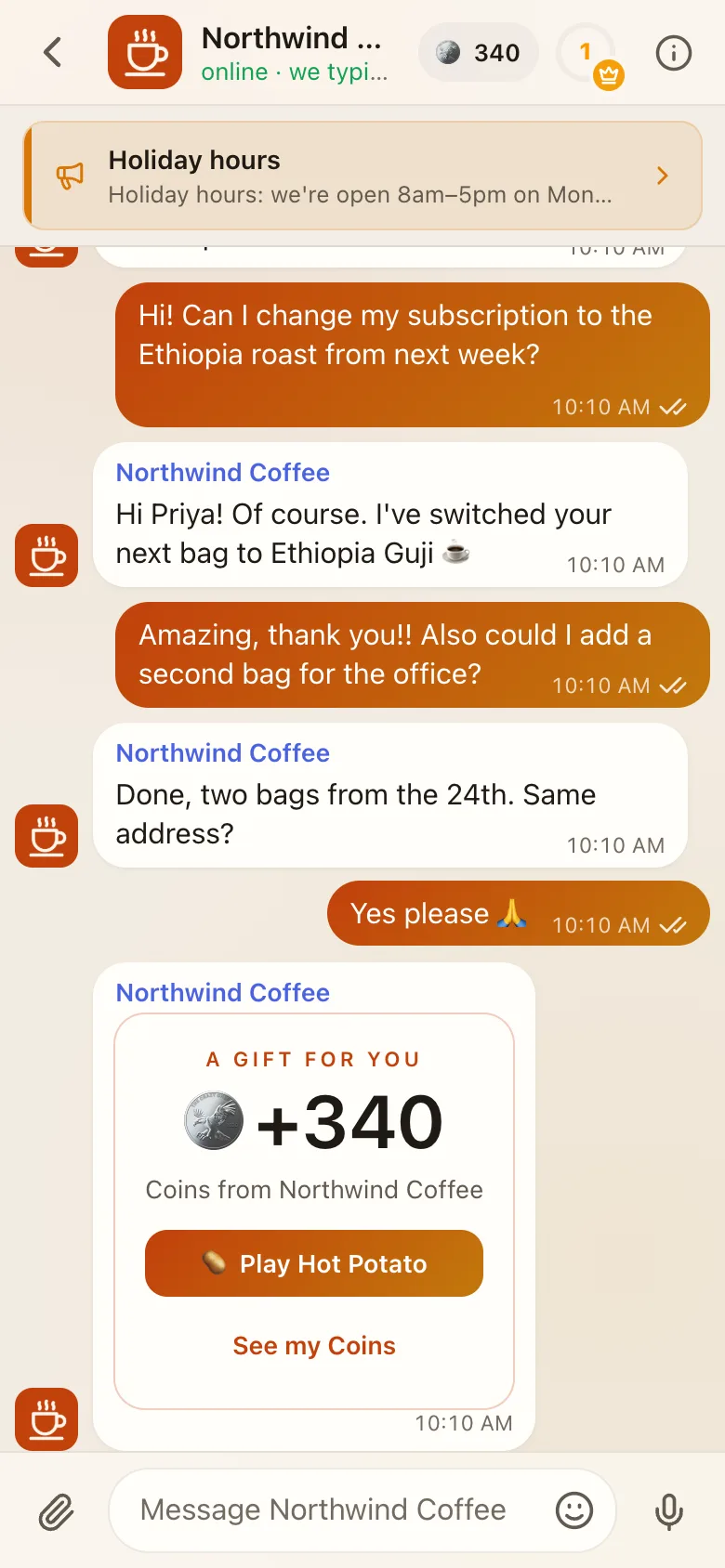
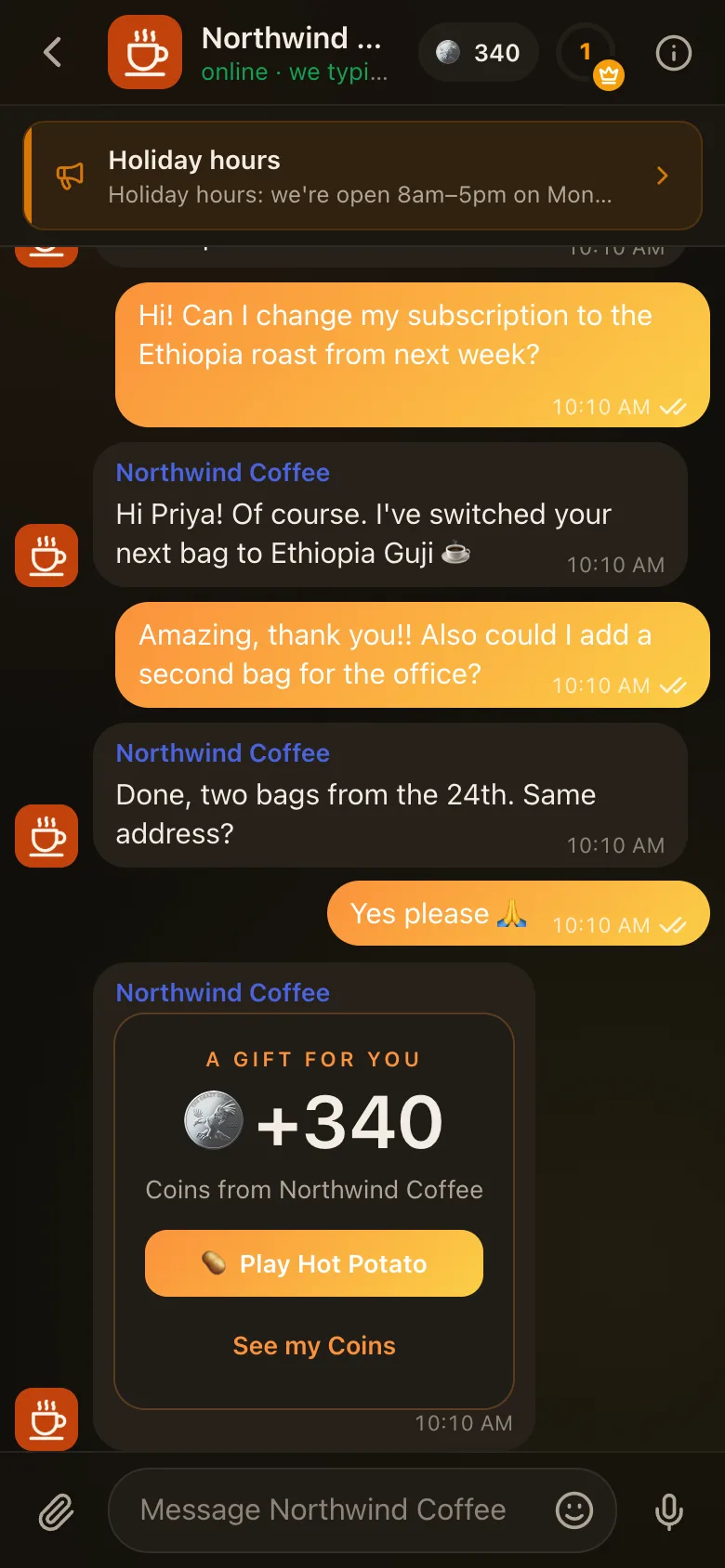
- Settings → Appearance: Auto, Light or Dark.
- Settings → Look (
/settings?page=look) Beta: Business (follow the business, the default), Classic, Futuristic, or any style Facia has approved for everyone, plus any preset and accent. It's saved on this device only.
#How blocks and apps match
Blocks don't take colours. They take a tone: Quiet, Accent, Good news, Heads up or VIP gold. Apps receive your theme as CSS variables. Either way, everything someone adds follows your look automatically.