HQ
HQ (/hq) is where your team sees how the business is doing and changes how it works. Every tab has an address: /hq?tab=<name>.
In the Futuristic style, HQ becomes a widget dashboard with a side rail on computers and a bottom bar on phones (Overview, Inbox, All apps, Team, Settings). The Inbox shows a badge with how many clients are waiting. Every chart and widget has Open big for a full-screen view.
#Who sees which tab
| Tab | Owner / admin | Manager | Agent |
|---|---|---|---|
| Overview | ✓ | ✓ | ✓ |
| Analytics | ✓ | ✓ | – |
| Clients | ✓ | ✓ | With See Clients insights |
| Payments | ✓ (AI and Payments on) | – | With See Payments |
| Team | ✓ | Agents only | Read-only |
| Activity | ✓ | – | – |
| Bots | ✓ | – | – |
| Live TV | ✓ (Futuristic style) | ✓ (Futuristic style) | – |
| Settings | ✓ | Game cards only, with permission | Game cards only, with permission |
#Overview
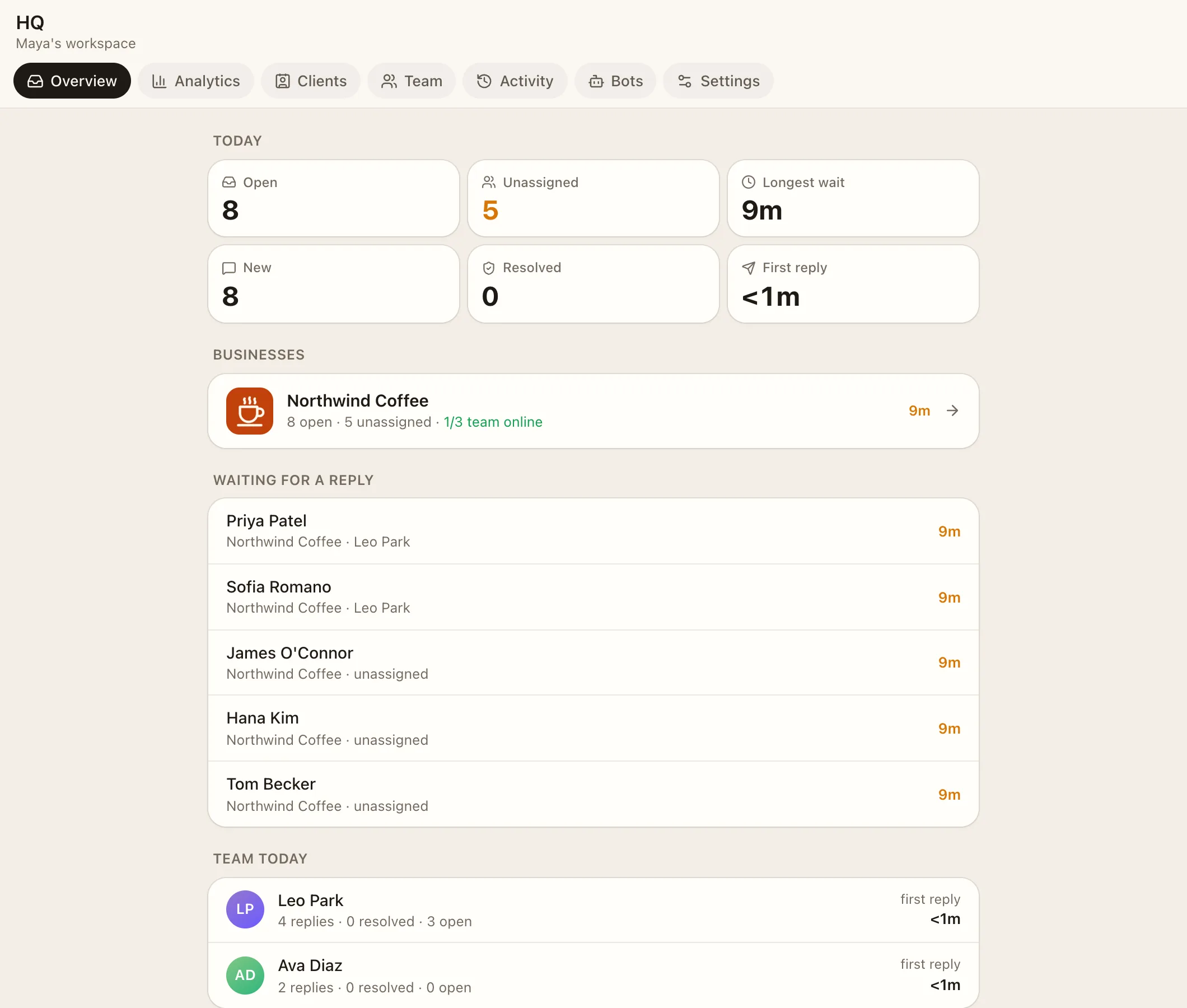
Today at a glance: open, new and resolved conversations, unassigned, first reply time and the longest wait. It also shows who's waiting for a reply, the team today, clients waiting for verification approval, and the HQ chat, where the Reporter and AI bot post. Send a report now posts an instant report.
#Analytics
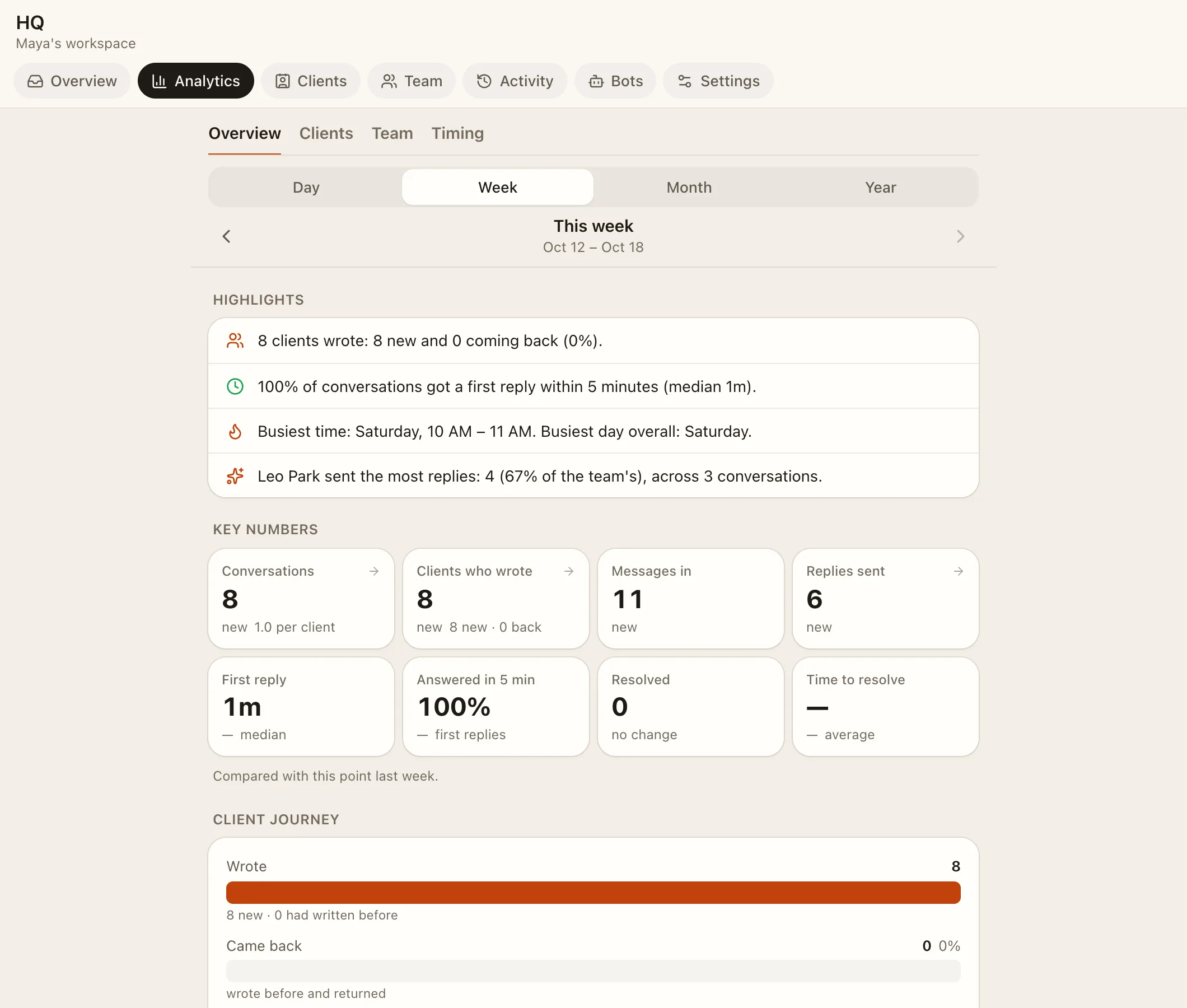
Sub-tabs Overview, Clients, Team and Timing, with charts and donut charts: key numbers, new vs returning, the client journey, how fast you answer, busiest times, whether your coverage matches when clients write, who replied when, a per-business breakdown, and money in next to conversations. Export CSV downloads the data.
#Clients
Sub-tabs Overview, Loyalty, Service, Sources and People, over 7, 30 or 90 days or everyone.
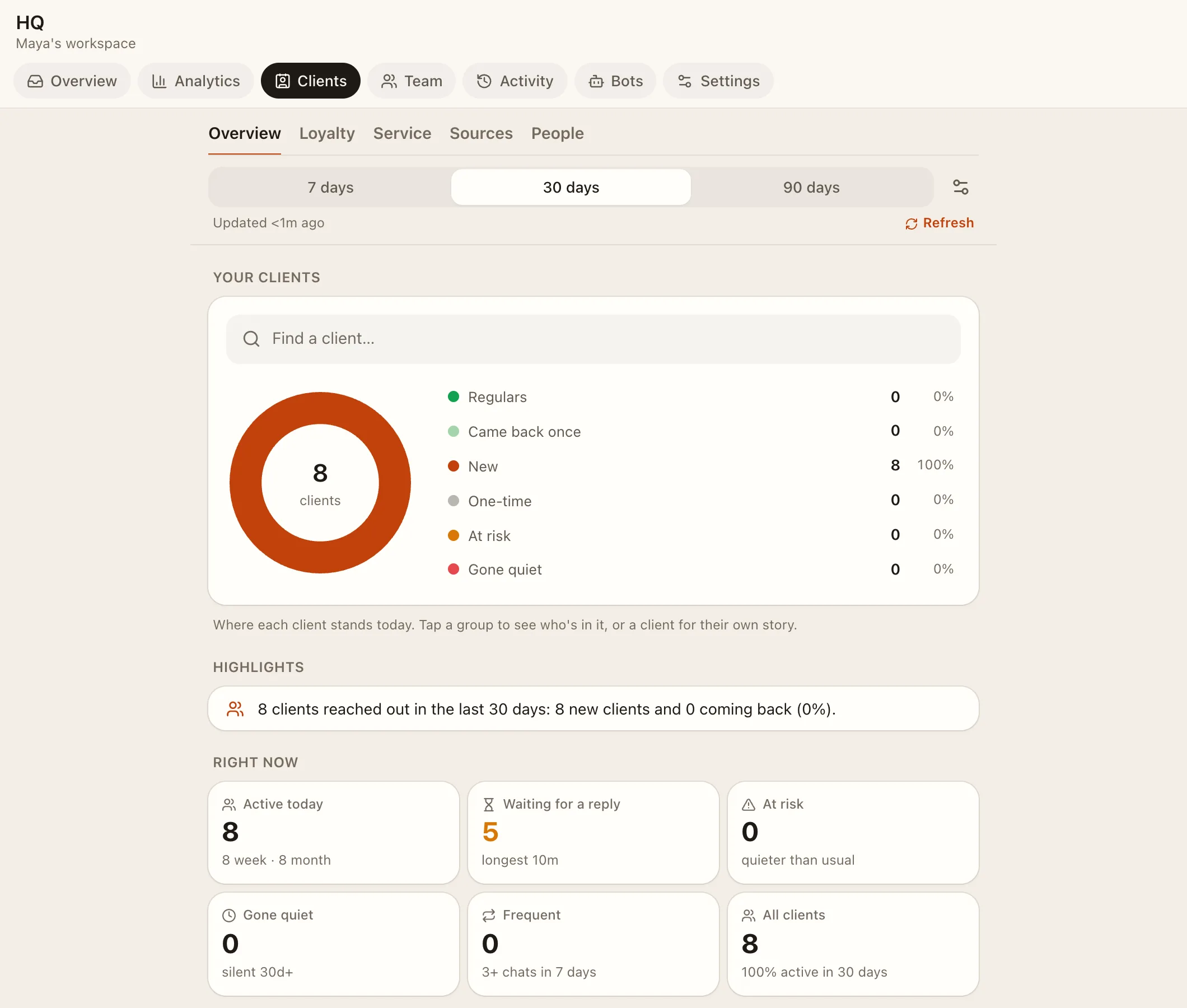
- Highlights: regulars, clients at risk, gone quiet, unanswered and slow.
- Outreach: quick "We miss you" and "Checking in" messages.
- Sources: where clients came from (a friend, a campaign link, your page, an embed, a group invite, direct), top inviters and invite chains. See Growth.
- Client profile: rhythm, who helped them, insights, and an AI note.
- Download CSV.
How clients are counted (admins): a new conversation after N minutes of quiet (default 10), quick repeats (15), slow first reply (15), gone quiet after N days (30), and Close silent chats after a number of days.
#Payments
Needs the AI and Payments features. Sub-tabs Overview, Products, Team and Receipts.
- Money in and out, read from receipt photos and from deals agreed in chats.
- Products: the AI adds them as it sees them, and admins rename, merge, hide, or add a note for the AI.
- Checks: receipts to confirm, deals to check (Looks right, fix, or Not a payment), photos it couldn't read.
- Top paying clients, payment apps used, and how fast payments are handled.
See The AI bot.
#Team
People, roles, businesses, permissions, invite links and devices. See Team and roles.
#Activity
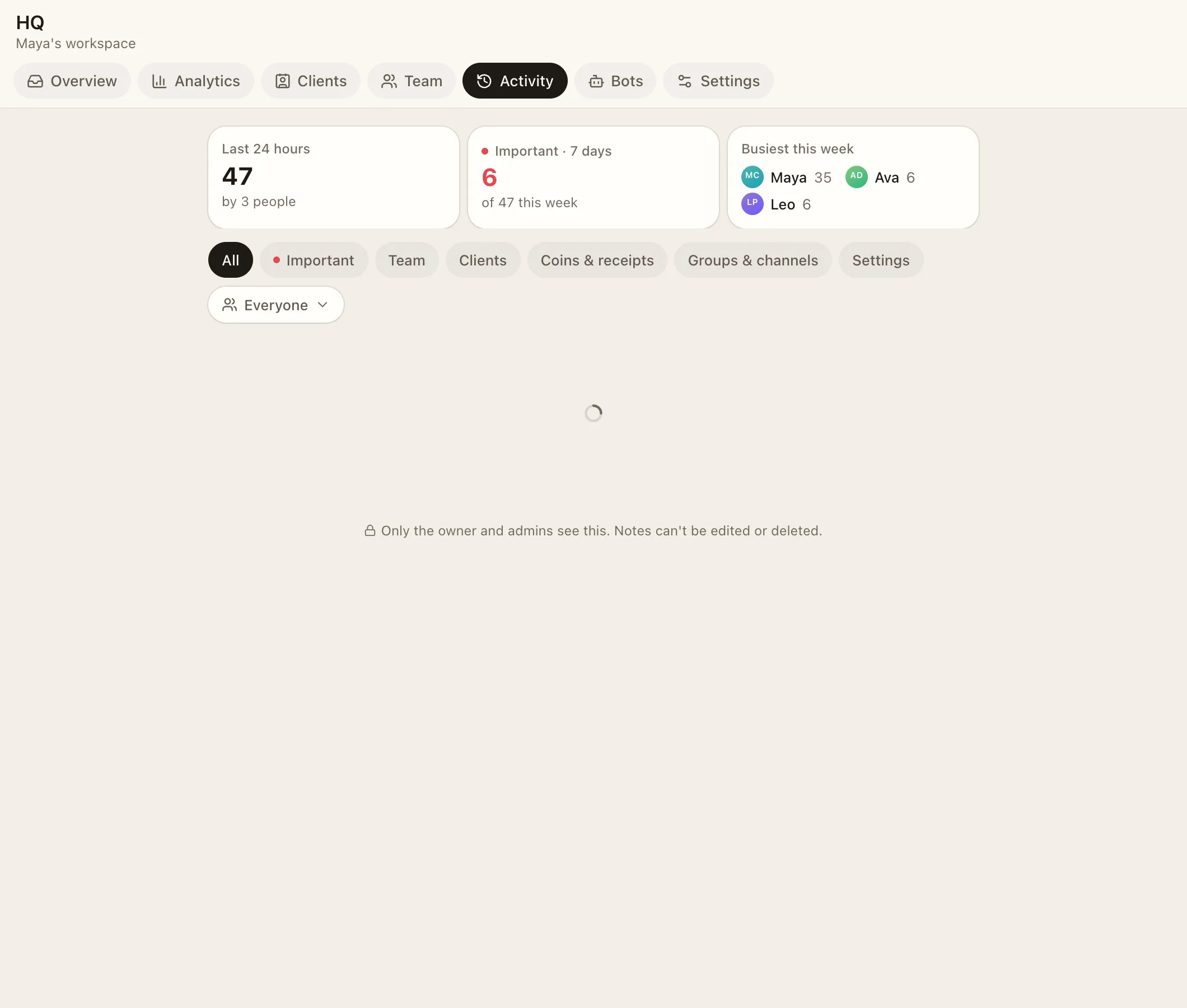
An audit log of everything that changed: settings, tiers, coins, receipts, groups, team, deletions and apps. Filter by All, Important, Clients, Coins & receipts, Groups & channels, Team or Settings, or by one person ("by" or "about" them). Kept for one year. Owners and admins.
#Bots
- Reporter (no AI): daily reports, waiting alerts and
@Reportercommands. See The support inbox. - AI bot: see The AI bot.
#Live TV Beta
A full-screen live wall for a screen in the office (/live): waiting chats, open conversations per person, who's online, clients with the app open, messages per minute, week, month and year trends, and a monthly money goal ring. In the Futuristic style, for owners, admins and managers.
#Settings
The menu groups the pages:
| Group | Pages |
|---|---|
| Your business | One row per business: Business settings |
| Your app | Business look, Features, Games & activities, Pages & announcements, Apps, Replies, AI |
| Team | Agent permissions |
| Reach | Email, Connect a website, Refer a server |
| Workspace | General: name and time zone |
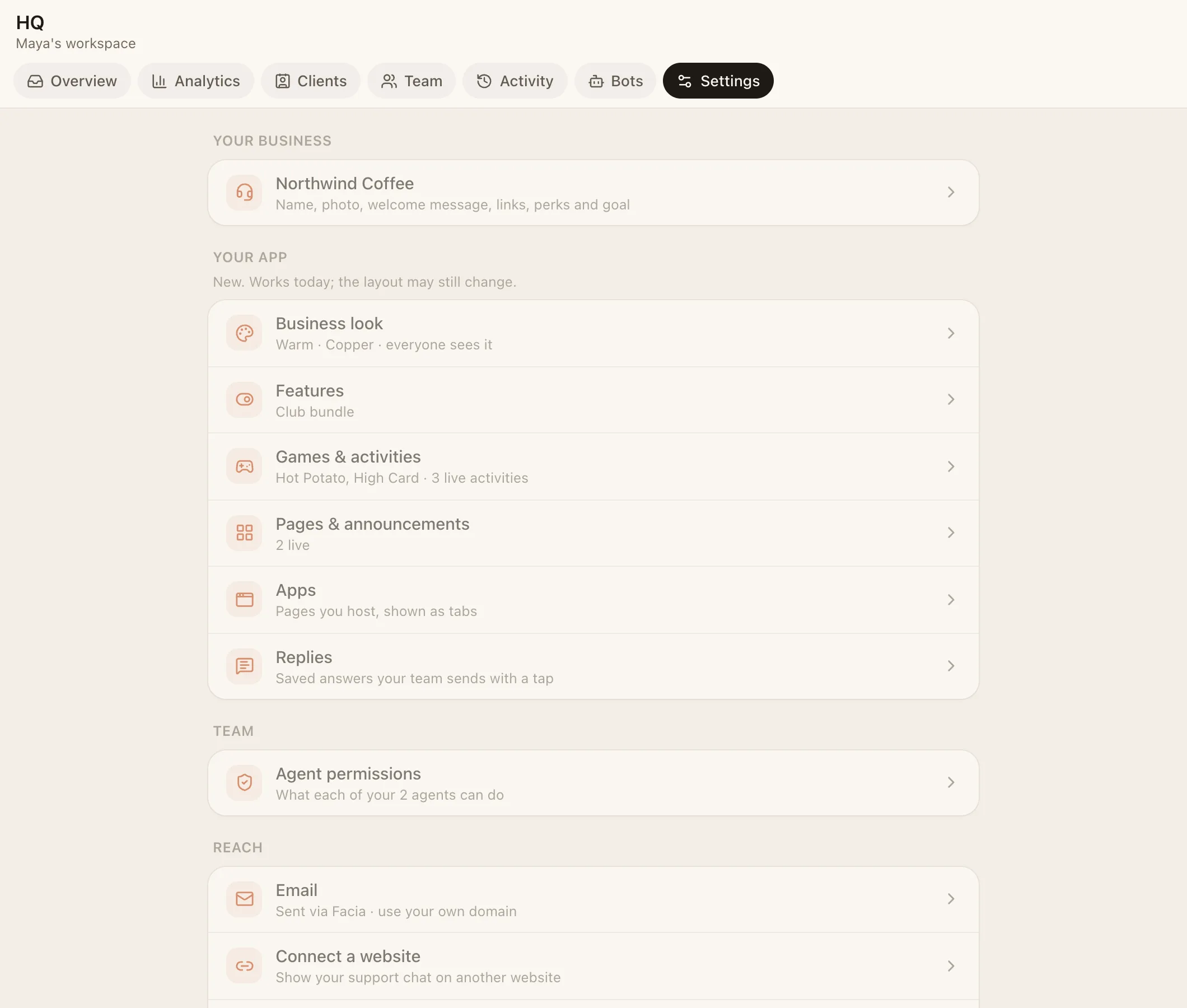
Each row shows its current state, like the preset in use, the bundle, how many blocks are live, or whether the AI is on.