Blocks
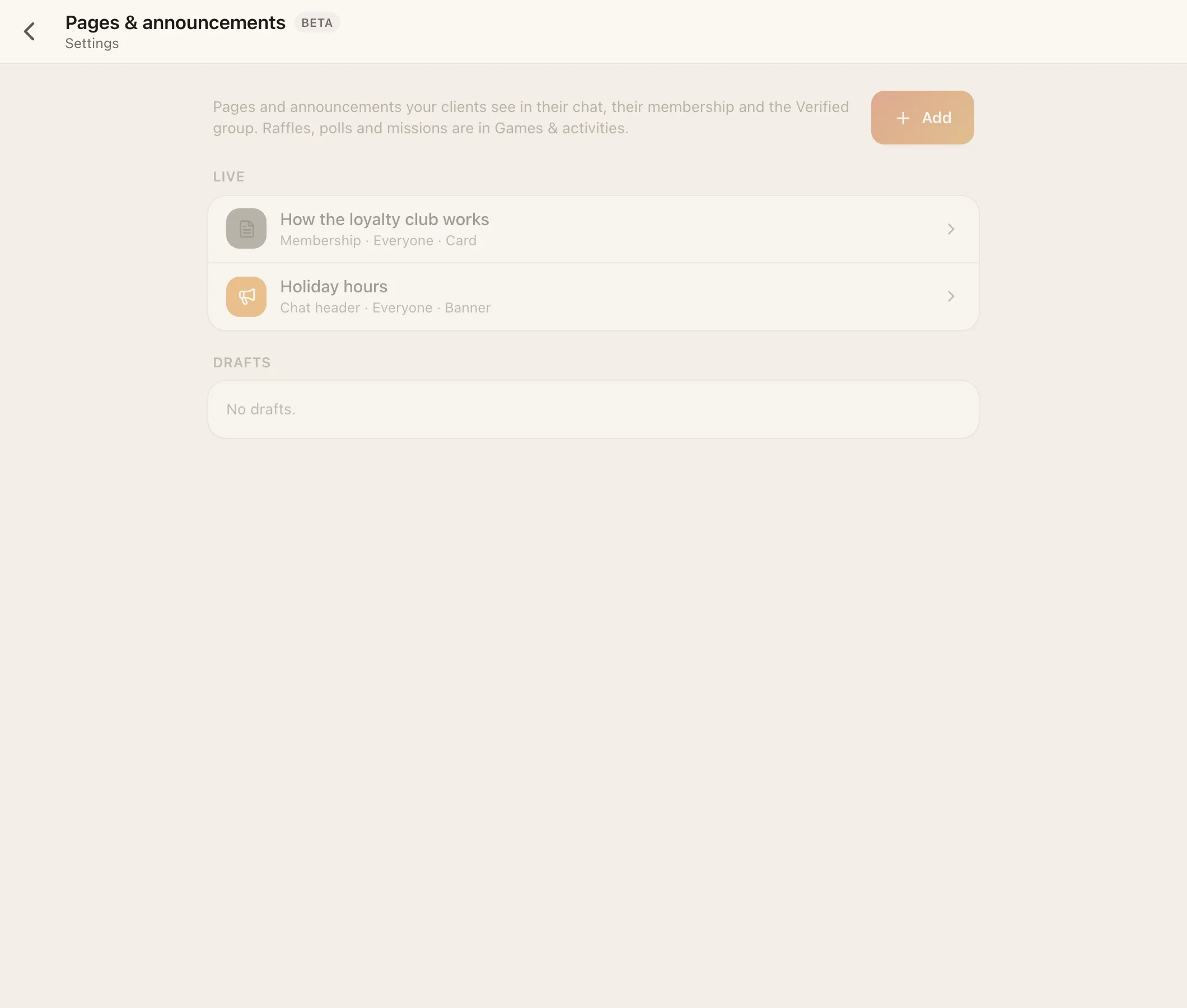
Blocks are things you compose in HQ, with no developer: a page, a poll, a scheduled announcement, a mission or a raffle spin. Each one is placed somewhere in your app, shown to the clients you pick, in a layout and tone that matches your look.
Where to make them:
- HQ → Settings → Pages & announcements (
page=blocks): pages and announcements. - HQ → Settings → Games & activities (
page=games): polls, missions and raffle spins.
Owners and admins can create and edit blocks. Your AI bot can also propose blocks for you to approve.
#Lifecycle
Draft → Live → Ended. You can move a block back to draft, duplicate it, reorder it, or delete it. The editor shows a live preview in your look.
#Settings every block has
| Setting | Choices |
|---|---|
| Title | Up to 60 characters |
| Where it shows | Under the chat header · In Membership · Top of the Verified group · On the Games & more page (and in the group's bar while it's on) |
| Who sees it | Everyone · Verified members · VIP only. Spam never sees blocks |
| Layout | Card · Row · Banner · Chip |
| Tone | Quiet · Accent · Good news · Heads up · VIP gold |
#Page
Information that stays put: opening hours, a price list, rules, how to pay.
- Text (up to 2,000 characters) and/or up to 4 photos.
- Up to 3 buttons, each opening the support chat, a group, or a link.
- Default: In Membership, Card, Quiet, Everyone.
#Poll
- A question with 2–6 options and an optional end time.
- One vote per client, and they can change it. Results update live.
- Post to group puts it in a group now, and it can be pinned.
- Default: Top of the Verified group, Card, Accent, Verified. Can't use the Banner layout.
#Announcement
A post that goes out at a set time.
- Text (up to 1,000 characters) and one photo.
- Target: a group or channel (required).
- Post at: a date and time.
- Push: on by default. Turn it off for a silent post.
- Default: Under the chat header, Banner, Accent, Everyone.
#Mission
A goal with a coin reward.
| Field | Notes |
|---|---|
| Goal | What to do, e.g. "Send 3 messages this week" |
| Reward | Coins, up to 100,000 (default 50). Needs coins on, and the audience Verified or VIP |
| Start / end | The window |
| Done when | Your team says so · They send messages · They send a receipt · An app reports it (with an event name your app sends) |
| Target | How many times |
With "Your team says so", staff press Mark done for each client. Default: Games & more, Card, Good news, Verified.
#Raffle spin
| Field | Notes |
|---|---|
| Prizes | Up to 5. Text, coins, or both. Coin prizes need coins on and the Verified audience |
| Who's on the wheel | Opt-in ("I'm in") · Everyone · People you pick · Options you write (2–24). Written options can't win coins |
| Mode | One spin picks the winner · Last one standing (at most 16) |
| Spins at | A time, or Spin now |
| Every week | Repeats weekly |
| Post in | The group that watches |
| Remind an hour before | On or off |
The wheel holds up to 200 people. After the spin, your team ticks off written prizes as delivered. See Games.
#Ideas
- A "How to pay" page in Membership, with a button to the support chat.
- A Friday poll in the Verified group: "What should we restock?"
- A weekly announcement with this week's offers, sent to your channel at 9:00.
- A mission: "Send your first receipt this month → 100 coins".
- A Sunday-night raffle spin for everyone who chatted that week.