Membership and tiers
Membership turns one-off chatters into members. It needs Verified clients on in Features, which is the default.
#Tiers
| Tier | Who | Gets |
|---|---|---|
| Guest | Everyone at first | Support chat, public groups and channels |
| Verified | Confirmed an email and picked a username | Verified perks, members-only groups, coins, games, leaderboard |
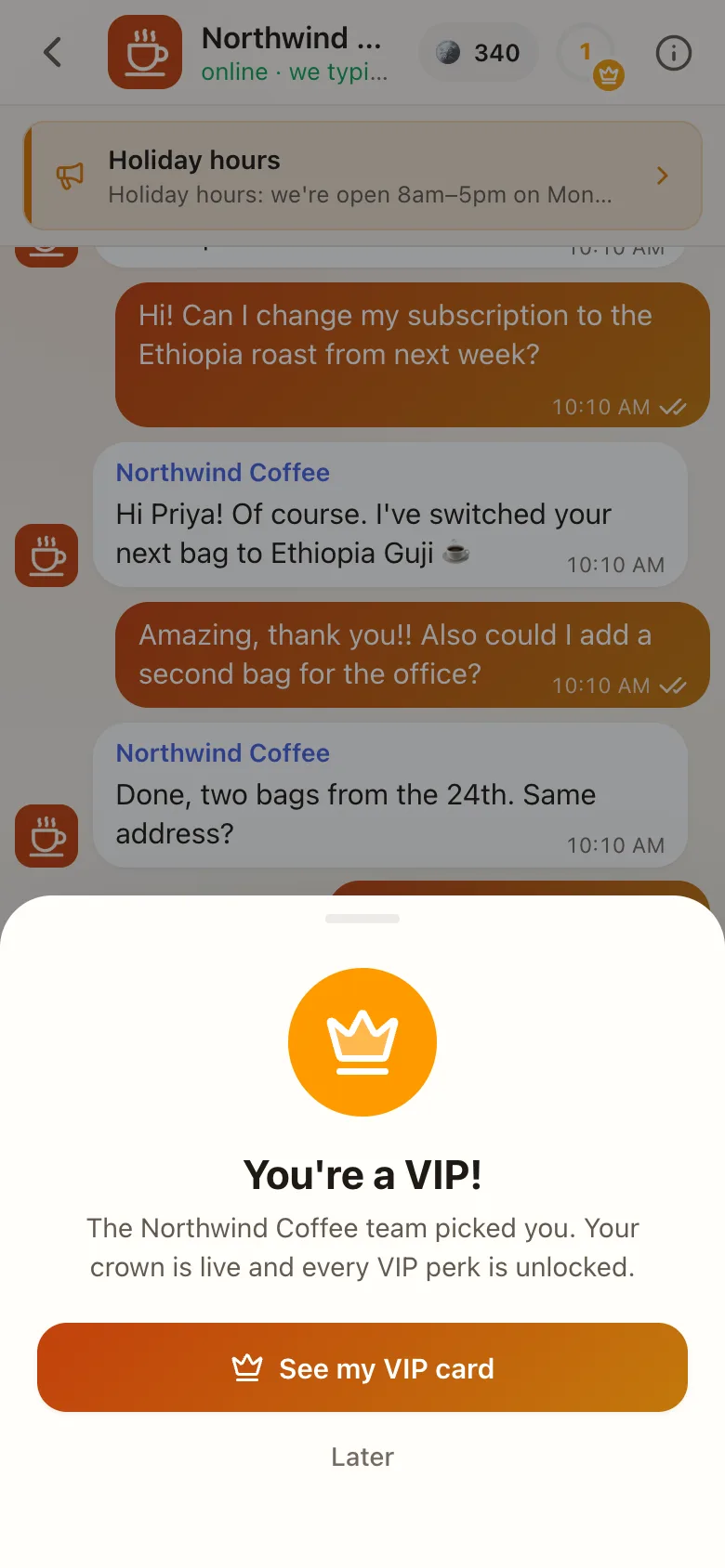
| VIP | Reached your VIP level, or invited | VIP perks, VIP-only groups, VIP blocks and apps, the gold crown |
| Spam | A team label | Nothing extra: no blocks, games, boards or calls. New sign-ups from the same device can land here automatically |
Clients see a check mark (Verified) or crown (VIP) on their own membership, and other clients see it next to aliases. Spam is never shown to the client.
Agents change tiers from the client's Details → Tier with the Change client tiers permission. Every change is logged.
#Get verified
How it starts:
- Your team invites: from the client's chat. An invite card appears for the client, and they're Verified as soon as they finish.
- The client asks: from Get verified in the chat header, the card, or Settings → Verified member. When they finish, they wait for your team to approve or decline. HQ Overview lists who's waiting.
What the client does:
- Sees your perks.
- Picks a photo and an
@username. It's their public name and their sign-in name. - Adds an email, and a password if they're a guest.
- Enters the 6-digit code from the email. Codes last 10 minutes and allow 5 tries.
Then there's confetti, they join your members-only groups, and the groups announce them under their alias.
#Perks
Write what Verified and VIP members get in business settings → Member perks, each with an icon. Leave VIP empty to hide VIP from clients until you're ready.
#VIP
Choose how clients become VIP under Client levels → How clients become VIP:
- Reach a level: automatic at your VIP level (default 10). Needs levels.
- By invitation: only your team makes VIPs, from the client's Tier.
#The membership hub
The button in the client's chat header opens Membership:
- their card: level, progress ring and member since,
- perks, coins, rewards to claim and the road to VIP,
- blocks and apps placed "In Membership".
Guests see Get verified there instead.
#Members-only groups
Set a group's Who can join to Verified or VIP. Members are added automatically when they qualify. See Groups and channels.